 Ballast
Are your backups OK?
Backups fail quietly. Ballast watches your restic, Borg, Kopia and ZFS backups over SSH and tells you when one stops running, falls behind or breaks, before the day you need a restore.
Coming soon to the App StoreFor iPhone and iPad. Free to try for 14 days, then one server and two backups stay free. Unlock everything once for $9.99.
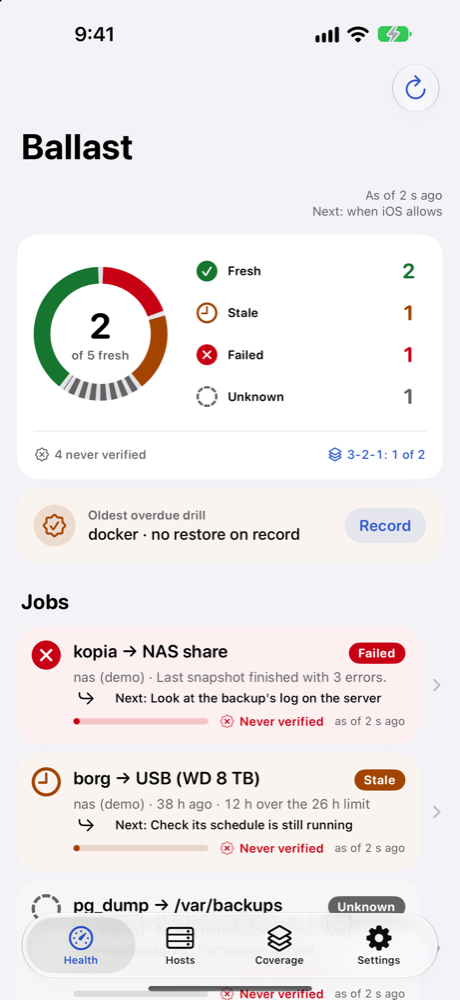
Every backup, one glance
Reads what you already run
restic, Borg and borgmatic, Kopia, ZFS snapshots, and any backup that writes a folder or a log. Ballast finds your borgmatic configs, Kopia sources and ZFS datasets by itself.
Read-only, every command shown
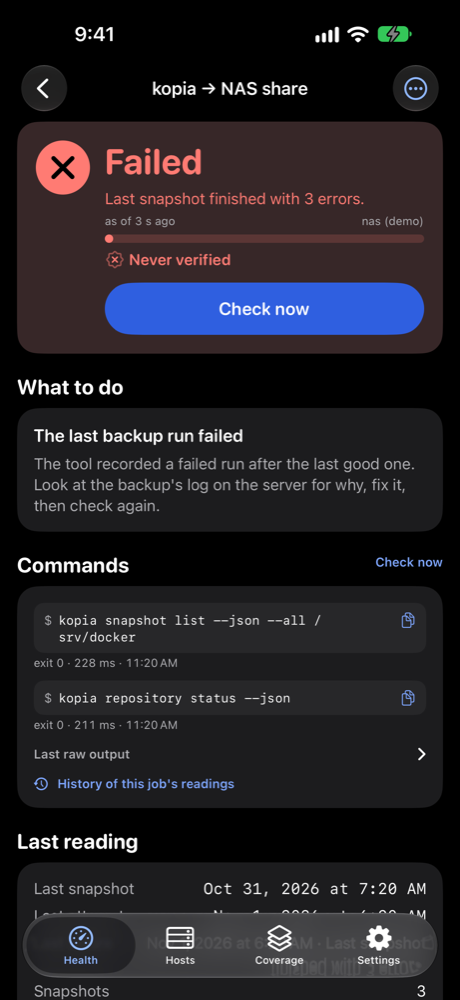
Ballast only lists and reads: no checks, no prunes, no sudo. Each reading shows the exact command behind it, its exit code and output, ready to copy.
Says what to do
A failed or late backup comes with the cause in plain words and the next step, not just a red dot.
Tells you, even about silence
Notifications when a backup fails or goes stale, and a warning when Ballast hasn't been able to check for a while. Widgets, Control Center and Siri too.
Proves you can restore
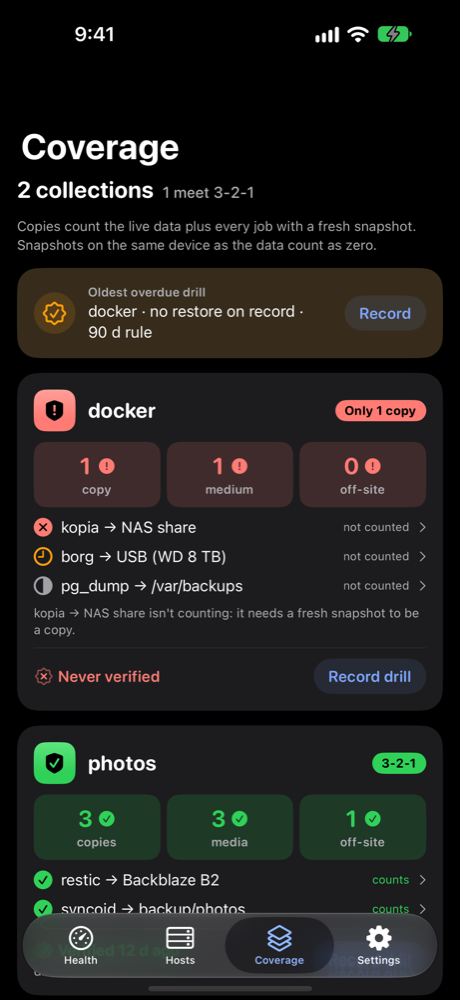
3-2-1 coverage per collection, restore drills with reminders, how far back you can restore, and a warning when a repository suddenly shrinks.
No account, no server
Ballast talks only to your servers, from your phone. Keys and passwords stay in the iOS Keychain. Nothing is collected.
Set up in a minute
Type admin@your-server, run the one command Ballast shows to let this phone's key in, and connect. Tick the backups it finds. That's it.
mkdir -p ~/.ssh && chmod 700 ~/.ssh && echo 'ssh-ed25519 AAAA… ballast@iphone' >> ~/.ssh/authorized_keys
The command is generated for your phone's own key. Ballast never runs it for you: it writes to the server, and Ballast only reads.